What Is the Most Common CNC Language?
Short Answer
The most common CNC programming language is G-code. It is the industry-standard language used to control CNC machine movement, tool paths, spindle speed and machining operations. Although controller manufacturers may use proprietary variations, G-code remains the foundation of most CNC machining systems worldwide.
What Is G-Code in CNC Machining?
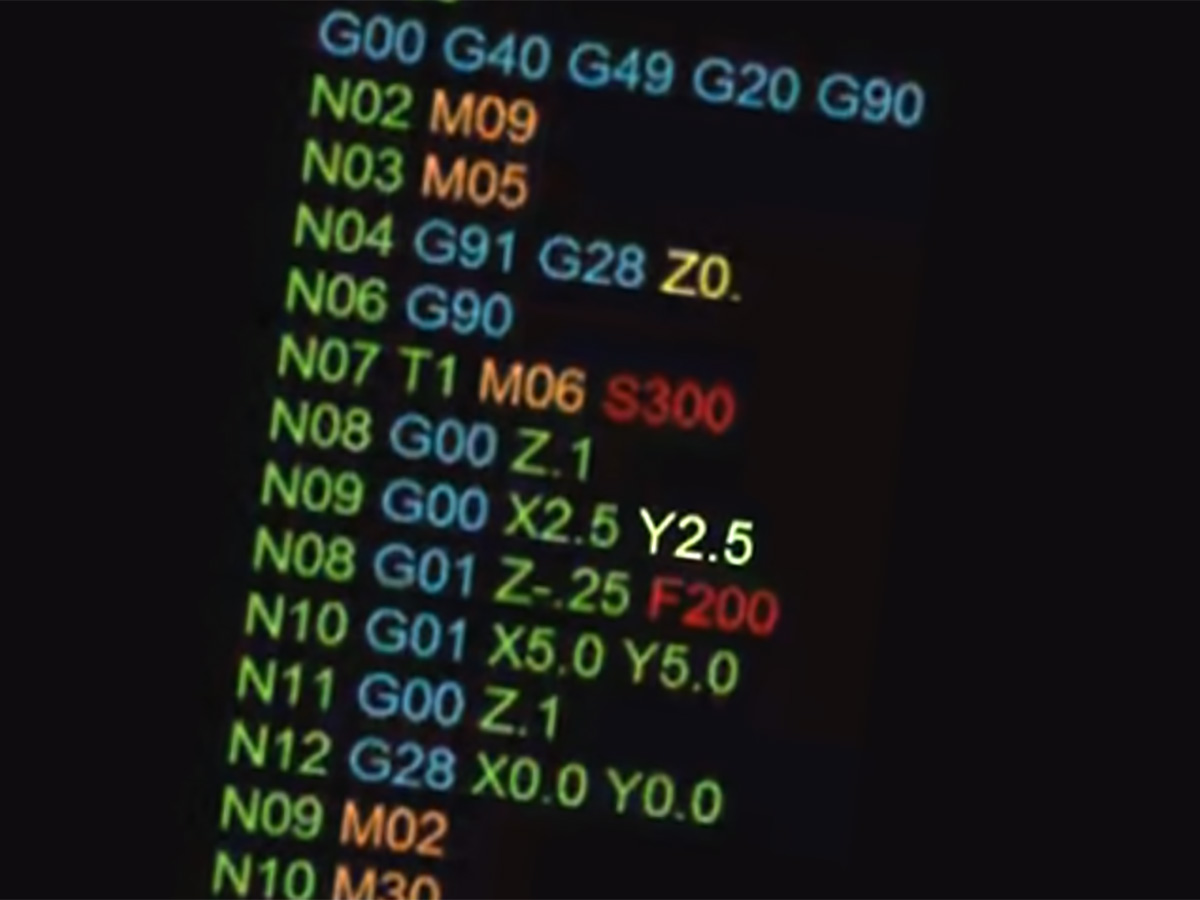
G-code, short for geometric code, is the primary language that tells CNC machines how to move. It’s based on the RS274/ISO 6983 standard, a widely accepted protocol that has been the backbone of numerical control for decades.
Each line of G-code represents a specific instruction for the machine, from moving the cutting tool to a new position to adjusting the speed of the spindle. This standardized system allows machinists and software to communicate with a huge range of machine tools consistently.
Why Is G-Code the Most Common CNC Language?
G-code has become the dominant language in CNC machining for four key reasons that make it indispensable for the industry:
Standardized Foundation
Based on international ISO standards, it provides a consistent base that most manufacturers can build upon, reducing compatibility barriers.
Wide Compatibility
It works with nearly every type of CNC machine, from mills and lathes to plasma cutters and 3D printers, making it universally applicable.
Precision Control
It offers precise control over every axis of movement, enabling the tight tolerances and complex geometries required in modern manufacturing.
CAM Software Support
Nearly all computer-aided manufacturing (CAM) tools are built to output G-code, making it the natural bridge between design and production.
Common G-Code Commands You Should Know
While there are dozens of G-code commands, a handful of core commands are used in nearly every machining program. These are the building blocks of most CNC operations:
What Is M-Code and How Does It Work With G-Code?
While G-code controls the movement of the machine, M-code (Miscellaneous code) handles the auxiliary functions of the machine. These are the commands that turn things on and off, or manage machine-specific functions.
In a typical CNC program, you’ll see both G-code and M-code working together. G-code tells the machine where to go, while M-code tells it what to do when it gets there, like turning on the spindle or coolant.
Do All CNC Machines Use the Same G-Code?
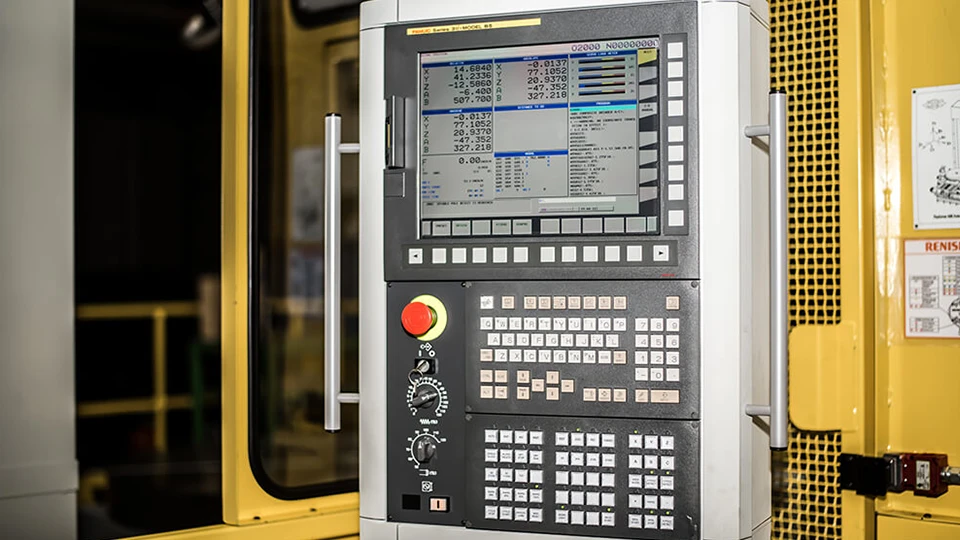
This is one of the most common questions we get, and the short answer is: no, not exactly. While the core G-code standard is universal, most controller manufacturers add their own proprietary variations and extensions.
Popular controllers like Fanuc, Siemens, Haas, and Mazatrol all use the same base G-code commands, but they often have unique commands for advanced functions, or slight differences in how they interpret certain parameters.
Additionally, G-code implementations can vary slightly between machine types. For example, lathe programming often uses diameter-based coordinates, while mill programming uses standard Cartesian coordinates, though the core command structure remains consistent.
How CAM Software Generates CNC Programs
Most modern CNC programs aren’t written by hand anymore. Instead, they’re generated automatically by CAM (Computer-Aided Manufacturing) software, which takes your 3D design and turns it into a complete set of machine instructions. The full workflow looks like this:
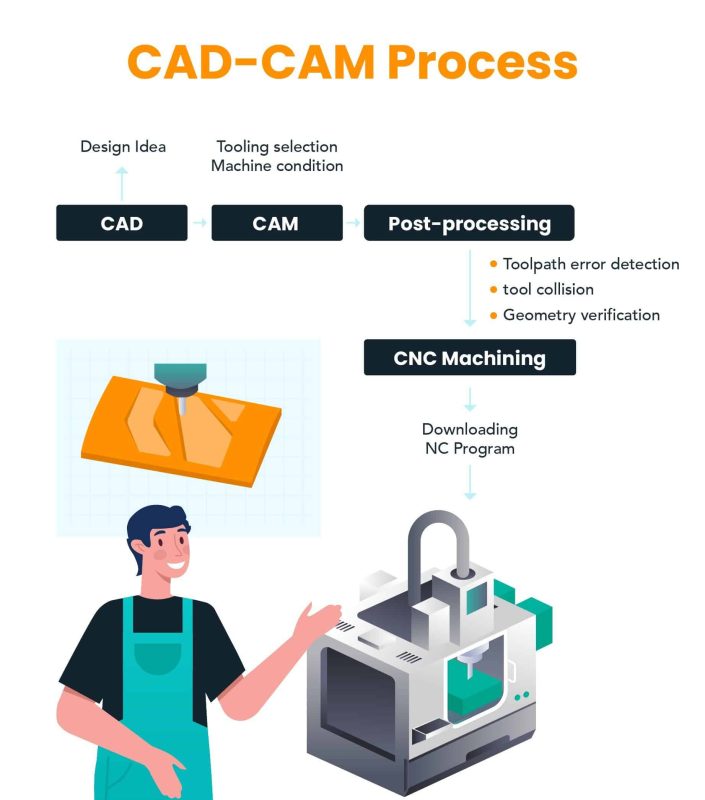
- CAD Design: Engineers create a 3D model or 2D drawing of the part using CAD software like SolidWorks or AutoCAD.
- CAM Setup: Machinists import the design into CAM software, selecting the material, tooling, and machine to be used.
- Toolpath Generation: The software automatically calculates the optimal path for the cutting tool to create the part, avoiding collisions and optimizing for speed and finish.
- Post-Processing: The generic toolpath is converted into G-code specific to your machine’s controller, ensuring compatibility.
- Machine Execution: The final G-code program is loaded onto the CNC machine, which executes the instructions to produce the part.
Why CNC Programming Matters for Precision Machining
The quality of your CNC program has a direct impact on the final part. Good programming doesn’t just tell the machine what to do—it optimizes for accuracy, cycle time, tool life, and surface finish.
For example, when working with different materials, our programmers adjust critical parameters to ensure the best possible results:
- Aluminum 6061: Feed rate 150-280 ipm, Spindle speed 8,000-15,000 RPM. The soft nature of aluminum allows for high-speed machining to reduce cycle time.
- Stainless Steel 304: Feed rate 30-70 ipm, Spindle speed 2,000-5,000 RPM. Lower speeds prevent tool overheating when working with this tough, heat-resistant material.
- Hardened Steel 4140: Feed rate 20-50 ipm, Spindle speed 1,500-3,500 RPM. Slow, controlled feeds ensure tool life and avoid damaging the hardened material.
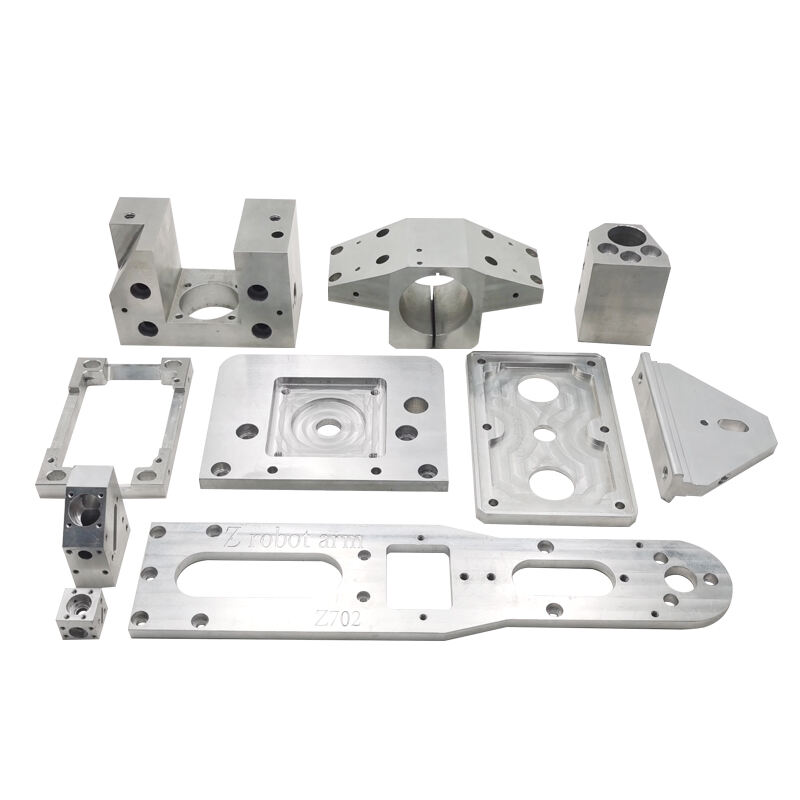
Reliable CNC machining depends on both machine capability and programming expertise. Our team of experienced programmers works closely with our machinists to ensure every program is optimized for your specific part, material, and requirements, delivering consistent, high-precision results every time.
Frequently Asked Questions
Is G-code difficult to learn?
Basic G-code commands are relatively straightforward for beginners to learn, especially for simple machining tasks. However, advanced programming for complex 3D parts or multi-axis machines requires significant experience and expertise, which is why most professional shops rely on CAM software and experienced programmers.
What is RS274?
RS274 is the official standard that defines the G-code language, originally developed by the Electronics Industry Association (EIA). It’s the foundation that most modern G-code implementations are based on, ensuring a common baseline for compatibility.
Can G-code be written manually?
Yes, simple G-code programs can be written by hand for basic parts. However, for complex parts with multiple axes or complex geometries, manual programming is impractical and error-prone, which is why CAM software is used for most professional work.
Do CNC lathes and mills use the same language?
They use the same core G-code and M-code commands, but there are some differences. Lathe programming often uses diameter-based coordinates for the X-axis, while mills use standard Cartesian coordinates. There are also some machine-specific commands unique to each type of machine.
What is conversational programming?
Conversational programming is a feature on some CNC controllers that lets operators program the machine by answering simple questions on the control panel, instead of writing G-code manually. It’s often used for simple, one-off parts at the machine.
How does programming affect machining accuracy?
Poor programming can lead to errors like tool collisions, inaccurate cuts, or poor surface finish. Good programming accounts for factors like tool deflection, material springback, and machine kinematics, ensuring the final part matches the design exactly within the required tolerances.